
WONNIE portable Blu-ray players combine a disc drive and built-in screen for watching films without a separate television or internet connection. They suit viewers who own Blu-ray collections and want to watch at home, during overnight stays, or while travelling as passengers. Depending on the model, they also play supported DVDs, CDs, and compatible media files. Rechargeable models allow viewing away from a power outlet, while supported display outputs let you connect to a TV.
WONNIE W-BR142 Portable Blu-ray Player with 14.1-Inch 1080p Screen

Description
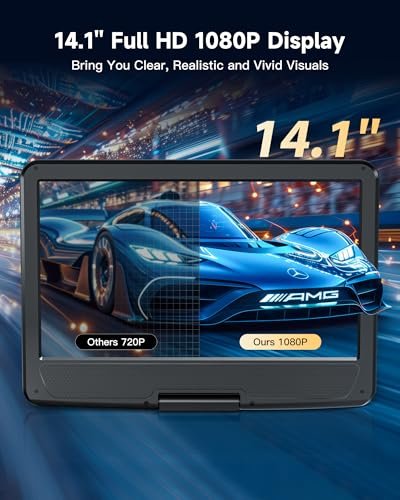
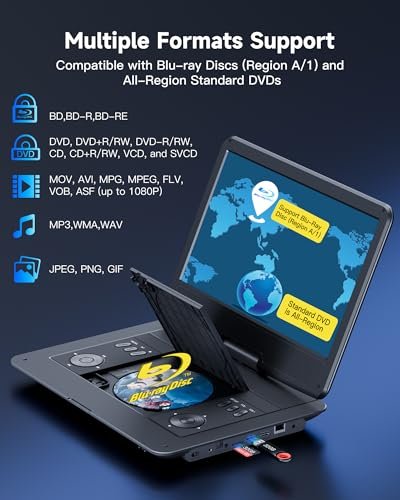
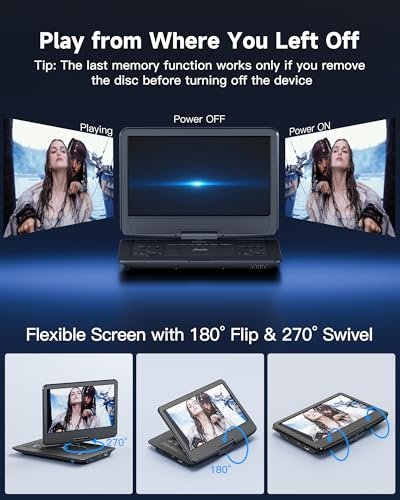
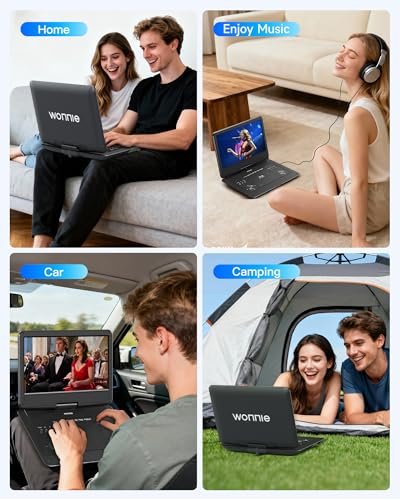
The WONNIE W-BR142 features a 14.1-inch 1080p Full HD screen for watching Blu-rays, DVDs, and compatible media files at home or during travel. The screen rotates 270 degrees and flips 180 degrees for adjustable viewing. The listing specifies Region A Blu-ray playback and all-region compatibility for standard DVDs.
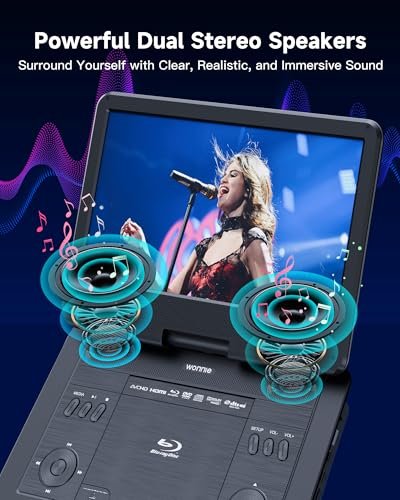
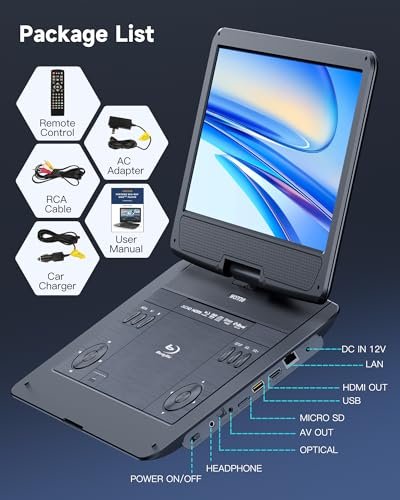
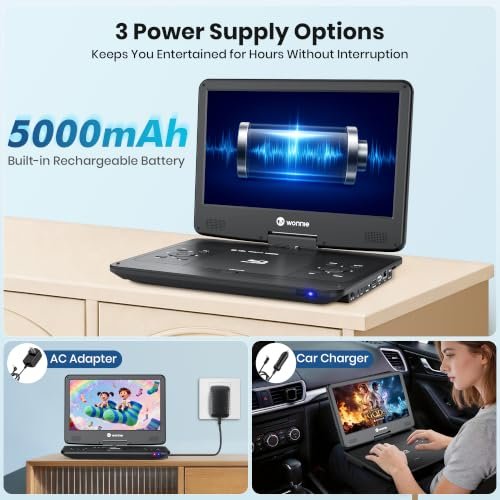
A 5000mAh rechargeable battery provides a claimed playback time of up to 4–5 hours per full charge. The included AC adapter and car charger offer additional power options at home and on the road. Dual speakers provide built-in sound, while a 3.5mm headphone jack supports private listening.
USB 2.0 drives and Micro SD cards allow playback of compatible video, audio, and image files. Storage must use FAT32 formatting and have a capacity of no more than 32GB. The stated maximum video playback resolution is 1920 × 1080 at 30 fps. Supported video formats include MOV and AVI; the listing does not specify compatible codecs.
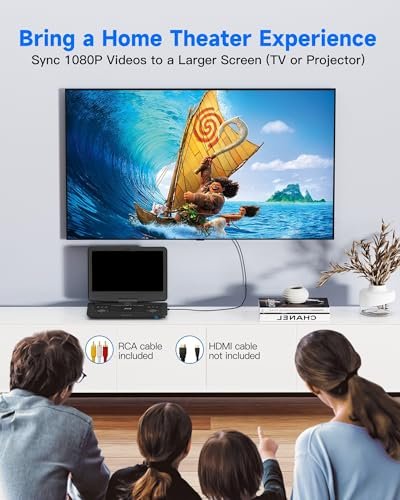
HDMI and AV outputs connect the player to compatible TVs or projectors. An HDMI cable is not included, and the listing states that the built-in screen turns off automatically during external-display playback. The last-memory function resumes from the previous stopping point; users are instructed to remove the disc before turning off the player to enable this function.
Features
- Full HD swivel screen rotates 270 degrees and flips 180 degrees for adjustable viewing
- Supports Region A Blu-ray discs and all-region standard DVDs
- Rechargeable battery offers a claimed playback time of up to 4–5 hours
- Included AC adapter and car charger provide additional power options
- USB and Micro SD playback supports compatible video up to 1080p at 30 fps
- Dual speakers and a 3.5mm headphone jack offer shared or private listening
- HDMI and AV outputs connect playback to compatible TVs or projectors
- Last-memory playback resumes from the previous stopping point when the specified shutdown procedure is followed

Specifications
- Brand
- WONNIE
- Model
- W-BR142
- Part Number
- W-BR142BK
- Product Type
- Portable Blu-ray Player
- Color
- Black
- Screen Size
- 14.1 inches
- Screen Resolution
- 1920 × 1080 pixels
- Screen Rotation
- 270 degrees
- Screen Flip
- 180 degrees
- Power Source
- Rechargeable battery, AC adapter, car charger
- Battery Capacity
- 5000mAh
- Claimed Runtime
- Up to 4–5 hours
- Blu-ray Region Support
- Region A (listed as “A/1”)
- DVD Region Support
- All regions
- Supported Disc Formats
- BD, BD-R, BD-RE, DVD, DVD+R/RW, DVD-R/RW, CD, CD-R/RW, VCD, SVCD
- USB Interface
- USB 2.0
- Memory Card Support
- Micro SD
- Maximum USB/Card Capacity
- 32GB
- USB/Card File System
- FAT32
- Maximum USB/Card Video Resolution
- 1920 × 1080 at 30 fps
- Supported Video Formats
- MOV, AVI, MPG, MPEG, FLV, VOB, ASF
- Supported Audio Formats
- MP3, WMA, WAV
- Supported Image Formats
- JPG, PNG, GIF
- Speakers
- Dual speakers
- Headphone Jack
- 3.5mm
- Video Connections
- HDMI output, AV output
- Playback Memory
- Last-memory function
- Included Components
- Blu-ray player, AC adapter, car charger
WONNIE W-BR146 Portable Blu-ray Player with 14.1-Inch 1080p Screen
Description
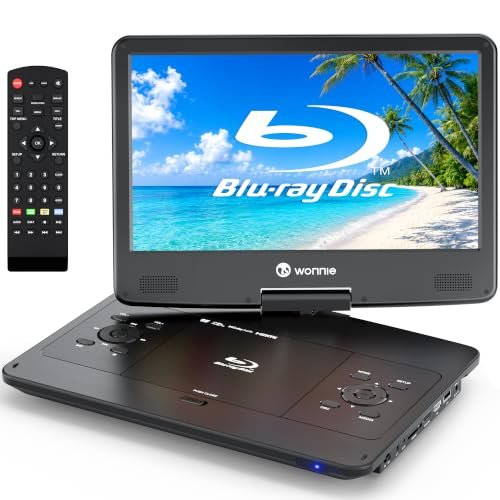
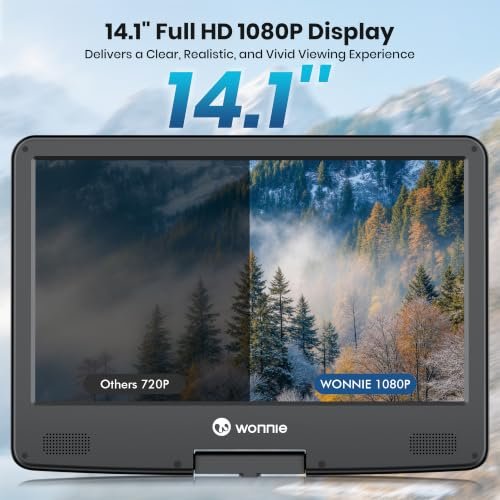
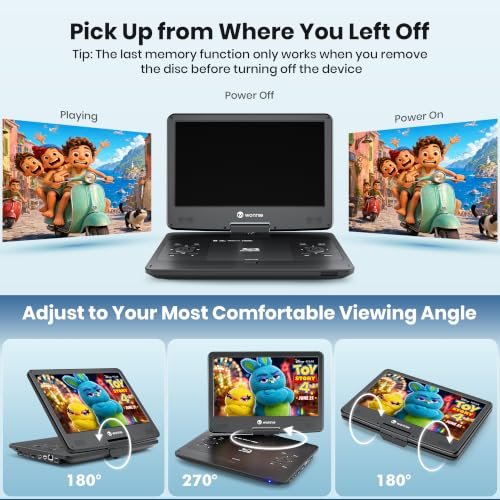
The WONNIE W-BR146 features a 14.1-inch 1080p Full HD screen for watching Blu-rays, DVDs, and compatible media files at home or during travel. The screen rotates 270 degrees and flips 180 degrees to accommodate different viewing positions. The listing specifies Region A Blu-ray playback and all-region support for standard DVDs.
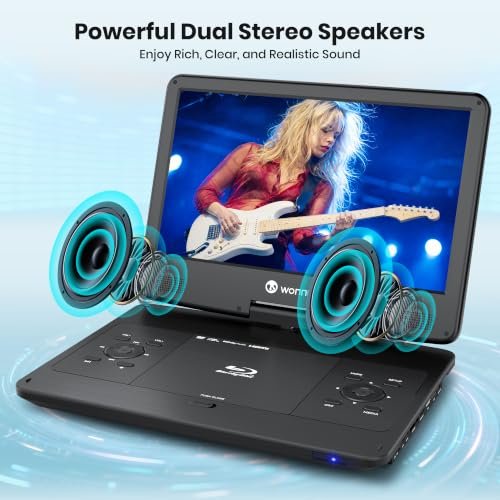
A 5000mAh rechargeable battery provides a claimed playback time of up to 4–5 hours per full charge. The included AC adapter and car charger provide additional power options. Dual speakers handle built-in audio, while a 3.5mm headphone jack allows private listening.
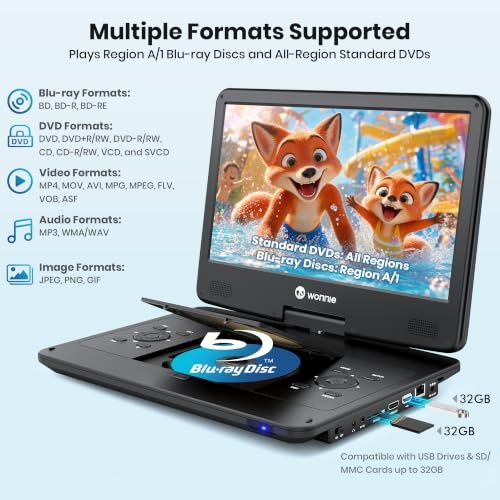
USB 2.0 drives and SD/MMC cards support compatible video, audio, and image files, including MP4 and MOV video. Storage must use FAT32 formatting and have a capacity of no more than 32GB. The stated maximum video playback resolution is 1920 × 1080 at 30 fps, though supported video codecs are not specified.
HDMI output connects the player to a compatible TV or projector using a separately purchased HDMI cable. The built-in screen turns off automatically during HDMI output. AV input is also listed for connections from compatible external sources. The last-memory function resumes playback from the previous stopping point; the listing instructs users to remove the disc before turning off the player to enable this function.
Features
- Full HD swivel screen rotates 270 degrees and flips 180 degrees for adjustable viewing
- Supports Region A Blu-ray discs and all-region standard DVDs
- Rechargeable battery offers a claimed playback time of up to 4–5 hours
- Included AC adapter and car charger provide additional power options
- USB and SD/MMC playback supports compatible video up to 1080p at 30 fps
- Dual speakers and a 3.5mm headphone jack offer shared or private listening
- HDMI output connects to compatible TVs or projectors for larger-screen viewing
- Last-memory playback resumes from the previous stopping point when the specified shutdown procedure is followed



Specifications
- Brand
- WONNIE
- Model
- W-BR146
- Product Type
- Portable Blu-ray Player
- Color
- Black
- Screen Size
- 14.1 inches
- Screen Resolution
- 1920 × 1080 pixels
- Screen Rotation
- 270 degrees
- Screen Flip
- 180 degrees
- Power Source
- Rechargeable battery, AC adapter, car charger
- Battery Capacity
- 5000mAh
- Claimed Runtime
- Up to 4–5 hours
- Blu-ray Region Support
- Region A (listed as “A/1”)
- DVD Region Support
- All regions
- Supported Disc Formats
- BD, BD-R, BD-RE, DVD, DVD±R, DVD±RW, CD, CD-R/RW, VCD, SVCD
- USB Interface
- USB 2.0
- Memory Card Support
- SD, MMC
- Maximum USB/Card Capacity
- 32GB
- USB/Card File System
- FAT32
- Maximum USB/Card Video Resolution
- 1920 × 1080 at 30 fps
- Supported Video Formats
- MP4, MOV, AVI, MPG, MPEG, FLV, VOB, ASF
- Supported Audio Formats
- MP3, WMA, WAV
- Supported Image Formats
- JPG, PNG, TIF
- Speakers
- Dual speakers
- Headphone Jack
- 3.5mm
- Video Connections
- HDMI output, AV input
- Playback Memory
- Last-memory function
- Included Components
- Blu-ray player, AC adapter, car charger
WONNIE W-BR156 Portable Blu-ray Player with 15.4-Inch 1080p Screen
Description
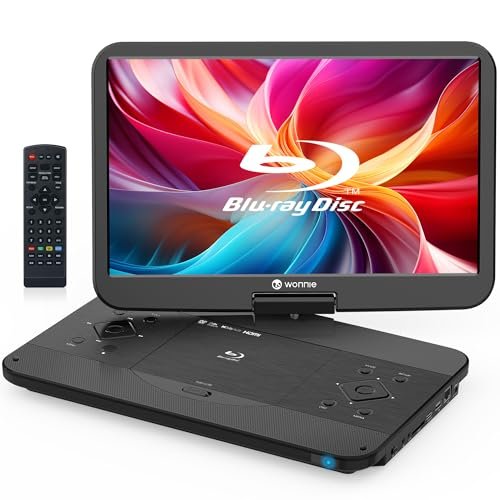
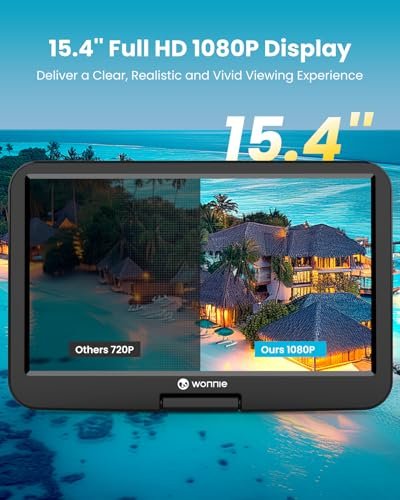
The WONNIE W-BR156 features a 15.4-inch 1080p Full HD screen for watching Blu-ray discs, DVDs, and compatible media files at home or while traveling. The screen rotates 270 degrees and flips 180 degrees to accommodate different viewing positions. Disc playback is limited to Region A Blu-rays and Region 1 DVDs rather than all-region compatibility.
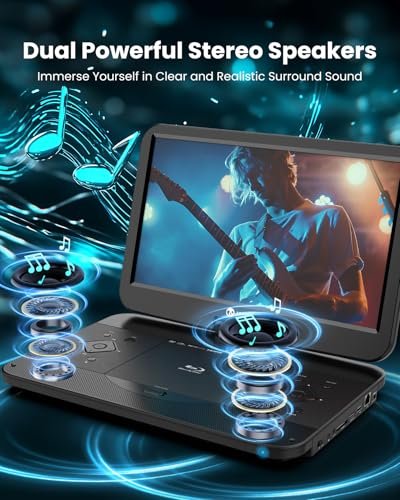
Dual stereo speakers provide built-in audio, while a 3.5mm headphone jack supports private listening. A 5000mAh rechargeable battery allows playback away from a power outlet, and the included AC adapter and car charger provide additional power options. The listing does not specify battery runtime.
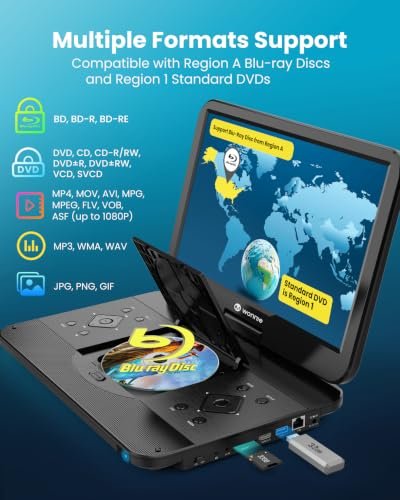
USB 2.0 drives and SD/MMC cards support compatible video, audio, and image files, including MP4 and MOV video. Storage must use FAT32 formatting and have a capacity of no more than 32GB. The stated maximum video playback resolution is 1920 × 1080 at 30 fps; compatibility with individual files also depends on their encoding.
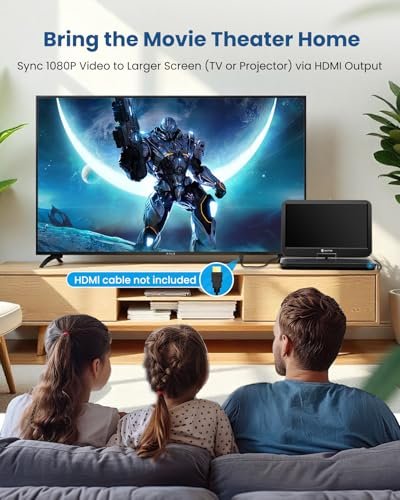
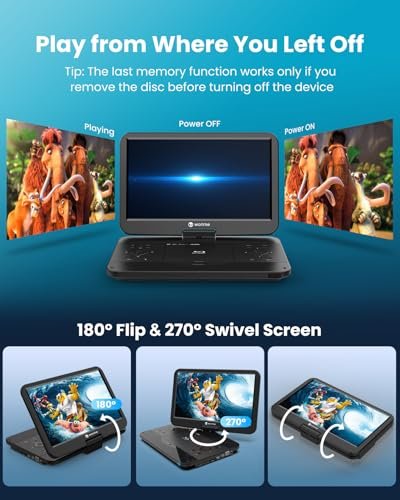
HDMI output connects the player to a compatible TV or projector using a separately purchased HDMI cable. The built-in screen turns off automatically during HDMI output. A last-memory function resumes playback from the previous stopping point; the listing instructs users to remove the disc before turning off the player to enable this function.
Features
- Full HD swivel screen rotates 270 degrees and flips 180 degrees for adjustable viewing
- Plays Region A Blu-ray discs and Region 1 DVDs
- Built-in rechargeable battery allows playback away from a power outlet
- Included AC adapter and car charger provide home and vehicle power options
- USB and SD/MMC playback supports compatible video up to 1080p at 30 fps
- Dual speakers and a 3.5mm headphone jack offer shared or private listening
- HDMI output connects playback to compatible TVs or projectors
- Last-memory playback resumes from the previous stopping point when the specified shutdown procedure is followed



Specifications
- Brand
- WONNIE
- Model
- W-BR156
- Product Type
- Portable Blu-ray Player
- Color
- Black
- Screen Size
- 15.4 inches
- Screen Resolution
- 1920 × 1080 pixels
- Screen Rotation
- 270 degrees
- Screen Flip
- 180 degrees
- Power Source
- Rechargeable battery, AC adapter, car charger
- Battery Capacity
- 5000mAh
- Blu-ray Region Support
- Region A
- DVD Region Support
- Region 1
- Supported Disc Formats
- BD, BD-R, BD-RE, DVD, DVD±R, DVD±RW, CD, CD-R/RW, VCD, SVCD
- USB Interface
- USB 2.0
- Memory Card Support
- SD, MMC
- Maximum USB/Card Capacity
- 32GB
- USB/Card File System
- FAT32
- Maximum USB/Card Video Resolution
- 1920 × 1080 at 30 fps
- Supported Video Formats
- MP4, MOV, AVI, MPG, MPEG, FLV, VOB, ASF
- Supported Audio Formats
- MP3, WMA, WAV
- Supported Image Formats
- JPG, PNG, GIF
- Speakers
- Dual speakers
- Headphone Jack
- 3.5mm
- Video Connections
- HDMI output, AV input
- Playback Memory
- Last-memory function
- Included Components
- Blu-ray player, AC adapter, car charger
How to Choose a WONNIE Portable Blu-ray Player
Compare the actual screen diagonal and native resolution rather than the overall player size. Check battery runtime, weight, screen adjustment, headphone connections, and included power adapters. Confirm compatibility with your discs: Blu-ray region support and DVD region support are separate specifications, and standard Blu-ray playback does not mean support for 4K Ultra HD Blu-ray discs. If you plan to connect a television, look for a suitable output, such as HDMI. For USB playback, check supported codecs, resolution limits, storage capacity, and file-system requirements. Bundle listings may include multiple devices, so read the contents carefully.
WONNIE Portable Blu-ray Player Comparison
| Feature | WONNIE W-BR142 | WONNIE W-BR146 | WONNIE W-BR156 |
|---|---|---|---|
| Screen | 14.1″ Full HD 1080p | 14.1″ Full HD 1080p | 15.4″ Full HD 1080p |
| Screen adjustment | Swivel | Swivel | Swivel |
| Blu-ray compatibility | Region A | Region A | Region A |
| DVD compatibility | All-region DVDs | All-region DVDs | Region 1 DVDs |
| Rechargeable battery | Up to 4–5 hours | Up to 4–5 hours | 5,000mAh; runtime not specified |
| USB and memory cards | USB / microSD | USB / SD / MMC | USB / SD |
| Media file details | Check supported formats | MP4 / MOV listed; check codec requirements | Check supported formats |
| External display output | HDMI / AV | HDMI | HDMI |
| Built-in sound | Dual speakers | Dual speakers | Dual speakers |
| Main reason to consider it | 14.1″ screen with HDMI and AV connections | 14.1″ screen with SD/MMC support | Larger 15.4″ screen |
Setup, Use & Care
Test your discs and any media files before travelling, and charge the battery according to the supplied manual. Place the player on a stable surface with ventilation openings uncovered, and adjust the screen gently within its permitted range. Use the supplied charger or a replacement confirmed for your exact model. Keep the device away from liquids, direct sunlight, and hot parked cars; store discs in protective cases and clean the screen with a soft cloth as instructed. In a vehicle, secure the player appropriately and keep it clear of airbags and seat belts. Viewing is for passengers—the driver should never watch or operate the player while driving. For faults or battery damage, stop using the device and contact the service department listed in the included instruction manual.