
WONNIE digital picture frames display a changing selection of photos without printing or replacing pictures by hand. They suit family homes, desks, and gifts for relatives who want to see new moments as they happen. Connected models support remote photo sharing, so family members can send pictures from elsewhere. Selected frames use the Uhale app for sharing photos and videos, with features such as automatic rotation, internal storage, and personalised greetings varying by model.
WONNIE 102KZ 10.1-Inch WiFi Digital Picture Frame with 32GB Storage
Description
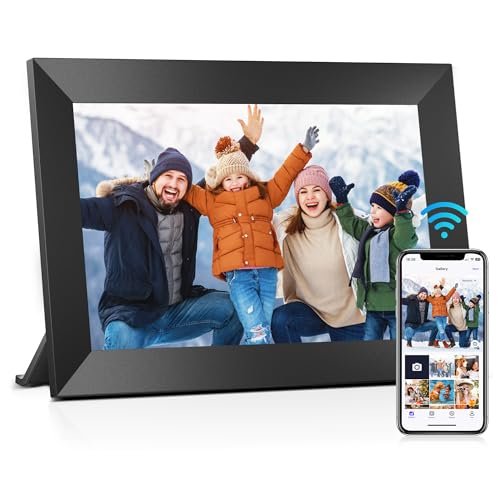
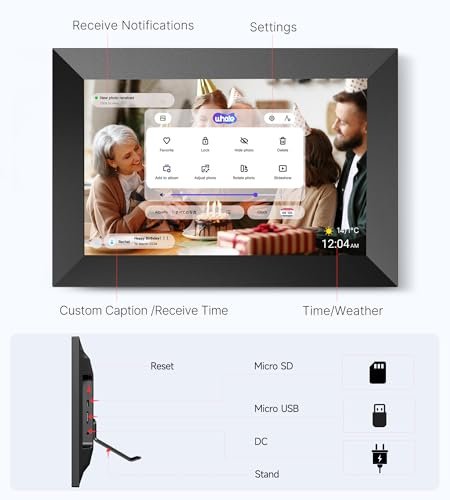
The WONNIE 102KZ features a 10.1-inch IPS touchscreen with 1280 × 800 resolution for displaying photos and videos. Touch controls let you browse media, pause playback, and adjust brightness and volume. Automatic rotation adjusts the photo display to match the frame’s orientation.
After connecting the frame to WiFi and pairing it with the free Uhale app for Android or iOS, users can send photos and videos remotely. The listing also describes transfers from a computer. Multiple users can connect to the frame, allowing relatives and friends to contribute photos, videos, and personalized greetings.
The frame includes 32GB of built-in storage and supports a 32GB Micro SD card formatted as FAT32. A card provides another way to transfer photos and import or play videos. The listing recommends 32GB cards because larger capacities, such as 64GB or 128GB, may not work correctly.
Videos uploaded through the Uhale app are limited to 120 seconds. The listing states no duration limit for videos transferred through a card, although file size and format compatibility still affect playback. Its estimate of more than 100,000 stored photos assumes an average image size of about 300KB; actual capacity varies with file size and available storage.
Features
- 10.1-inch IPS touchscreen provides photo browsing, playback, brightness, and volume controls
- WiFi connectivity enables remote photo and video sharing through the Uhale app
- Multiple users can contribute media to the same frame
- Personalized greetings can be sent through the Uhale app
- Automatic rotation adjusts displayed photos to match the frame’s orientation
- Built-in 32GB storage and Micro SD support provide local media storage and transfer options







Specifications
- Brand
- WONNIE
- Model
- 102KZ
- Product Type
- WiFi Digital Picture Frame
- Color
- Matte Black
- Screen Size
- 10.1 inches
- Screen Type
- IPS touchscreen
- Screen Resolution
- 1280 × 800 pixels
- Built-in Storage
- 32GB
- Memory Card Support
- Micro SD
- Supported Memory Card Capacity
- 32GB
- Memory Card File System
- FAT32
- Connectivity
- WiFi
- App
- Uhale
- App Platforms
- Android, iOS
- Control Type
- Touchscreen, app
- Display Orientation
- Automatic rotation
- Media Support
- Photos, videos
- Maximum App Video Duration
- 120 seconds
- Card Video Duration Limit
- No stated duration limit
- Adjustable Settings
- Brightness, volume
- Sharing Features
- Multiple connected users, personalized greetings
WONNIE 215KZ 21.5-Inch WiFi Digital Picture Frame with 64GB Storage
Description
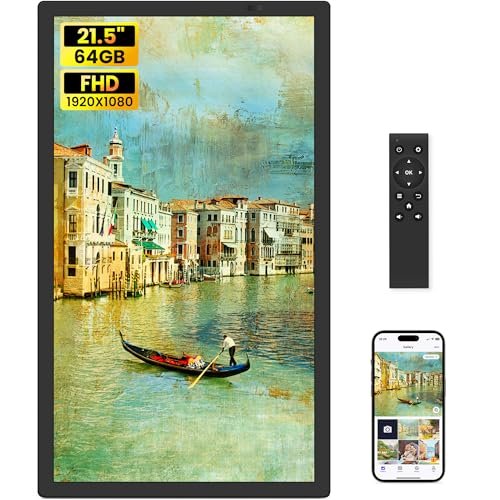
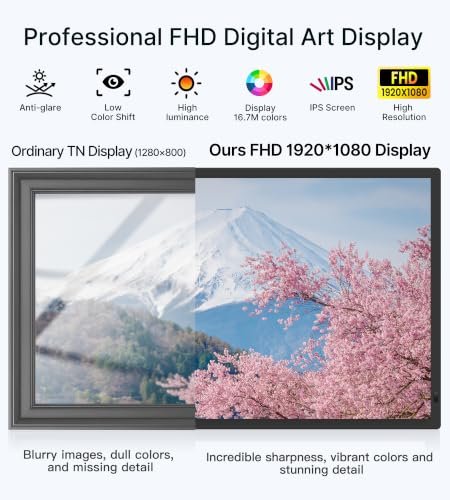
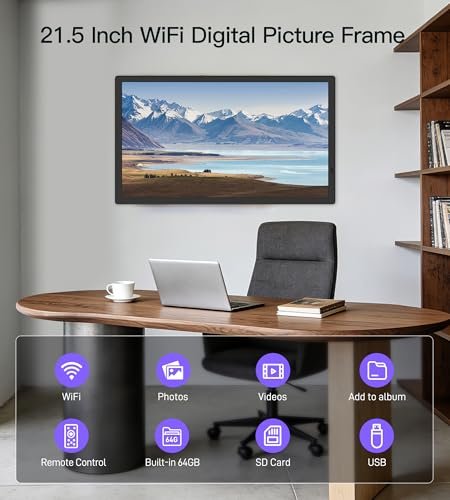
The WONNIE 215KZ features a 21.5-inch IPS display with 1920 × 1080 resolution and a stated 178-degree viewing angle. Its large screen can display family photos at home or visual content such as menus, event images, and store information. It supports desktop placement with an adjustable-angle stand or wall mounting with compatible brackets.
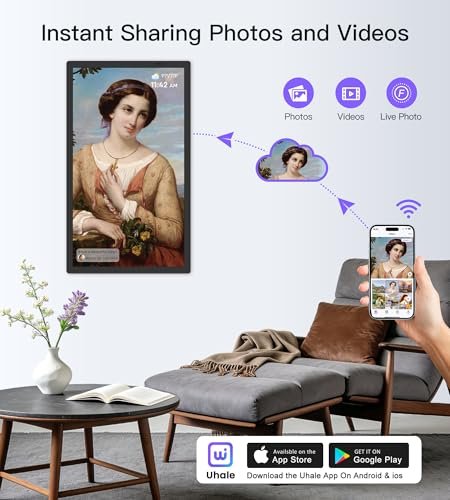
Built-in 2.4GHz and 5GHz WiFi connects the frame to a home or workplace network. The Uhale app for iOS and Android allows remote photo and video sharing, including personalized greetings. A remote control provides access to settings such as slideshow mode, playback order, photo titles, brightness, volume, and scheduled sleep times.
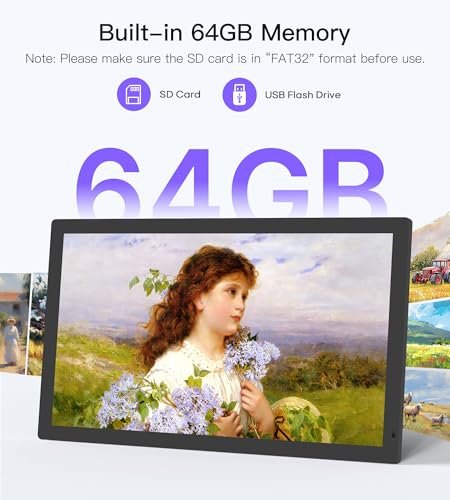
The frame includes 64GB of internal storage. USB drives and SD cards support direct playback, importing, exporting, and media backup. External storage must use FAT32 formatting. The listing gives conflicting capacity guidance, advertising support up to 128GB while recommending 32GB devices because larger capacities may not work correctly.
Supported image formats include JPG, JPEG, BMP, and PNG; MP4 video support is also listed. Videos uploaded through the Uhale app are limited to 120 seconds. The listing states no duration limit for USB/SD video transfers, but does not specify supported codecs or maximum video resolution.
Features
- 21.5-inch Full HD IPS display provides a large viewing area for photos and videos
- Dual-band WiFi supports connections to 2.4GHz and 5GHz networks
- Uhale app enables remote photo, video, and personalized greeting sharing
- Built-in 64GB storage and USB/SD access support playback, transfers, and media backup
- Remote control adjusts slideshows, playback order, brightness, volume, and scheduled sleep settings
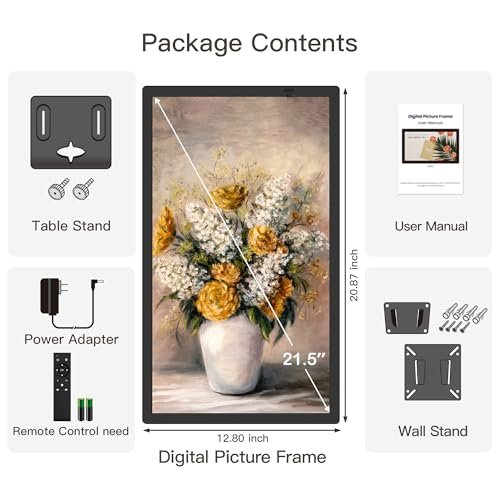
- Supports adjustable-angle desktop placement or wall mounting with compatible brackets



Specifications
- Brand
- WONNIE
- Model
- 215KZ
- Product Type
- WiFi Digital Picture Frame
- Color
- Midnight Black
- Screen Size
- 21.5 inches
- Screen Type
- IPS
- Screen Resolution
- 1920 × 1080 pixels
- Viewing Angle
- 178 degrees
- Built-in Storage
- 64GB
- External Storage Support
- USB flash drive, SD card
- External Storage File System
- FAT32
- Connectivity
- WiFi
- WiFi Bands
- 2.4GHz, 5GHz
- App
- Uhale
- App Platforms
- iOS, Android
- Control Type
- Remote control, app
- Supported Image Formats
- JPG, JPEG, BMP, PNG
- Supported Video Formats
- MP4
- Maximum App Video Duration
- 120 seconds
- USB/SD Video Duration Limit
- No stated duration limit
- Display Settings
- Slideshow mode, playback order, photo titles
- Adjustable Settings
- Brightness, volume, sleep schedule
- Sharing Features
- Personalized greetings
- Installation Type
- Desktop stand, wall mounting
WONNIE 320KZ 32-Inch WiFi Digital Picture Frame with 64GB Storage
Description
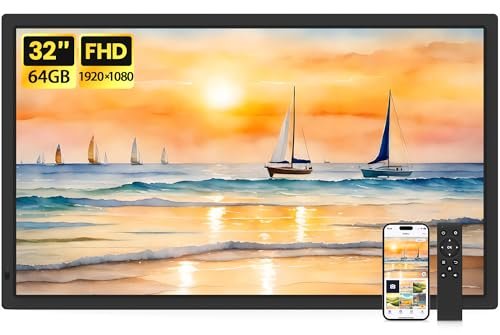
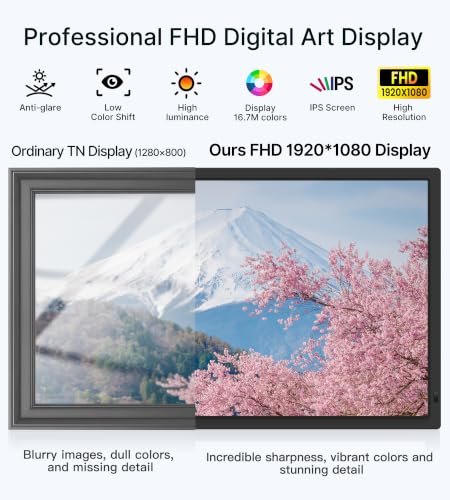
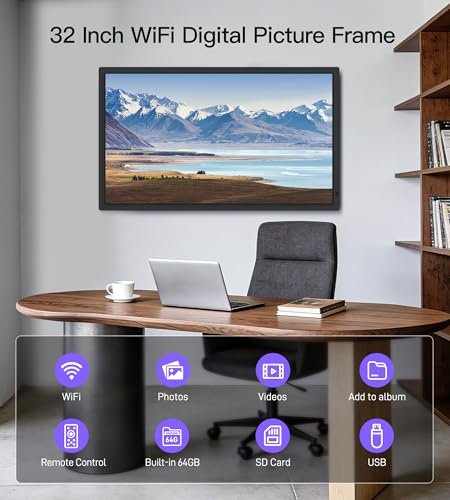
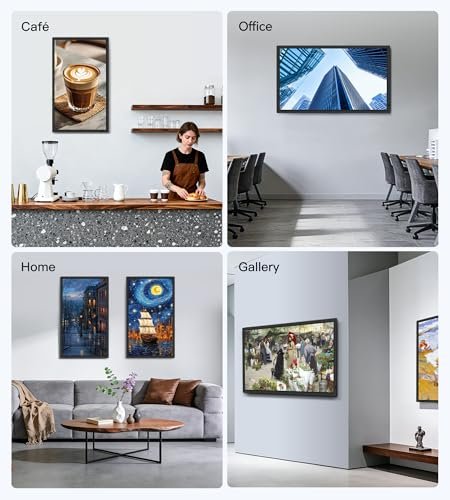
The WONNIE 320KZ features a 32-inch IPS display with 1920 × 1080 resolution and a stated 178-degree viewing angle. Its large screen can display family photos, office images, store announcements, or restaurant menus. Automatic rotation supports horizontal and vertical orientations, and a wall mount is included.
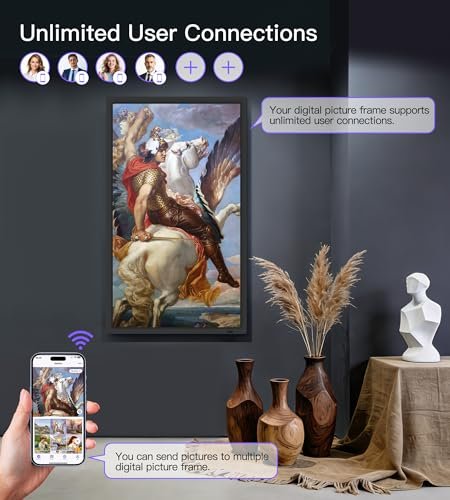
Built-in WiFi supports both 2.4GHz and 5GHz networks. The Uhale app for iOS and Android enables remote photo and video sharing, along with personalized greetings. An included remote control provides another way to operate the frame; the listing instructs users to point it toward the receiving area in the lower-right corner.
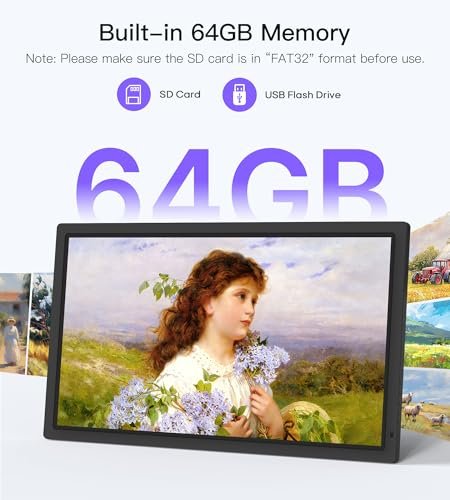
The frame includes 64GB of internal storage. USB drives and SD cards support direct photo and video playback, importing, exporting, and media backup. External storage must use FAT32 formatting. The listing recommends 32GB devices and warns that larger capacities, including 64GB and 128GB, may not work correctly.
Supported image formats include JPG, JPEG, BMP, and PNG, with MP4 video support also listed. Settings include photo titles, slideshow mode, playback order, brightness, volume, and scheduled display and sleep times. Supported video codecs, maximum video resolution, and app upload duration limits are not specified.
Features
- 32-inch Full HD IPS display provides a large viewing area for photos and videos
- Dual-band WiFi connects to 2.4GHz and 5GHz networks
- Uhale app supports remote photo, video, and personalized greeting sharing
- Built-in 64GB storage and USB/SD access support playback, transfers, and media backup
- Automatic rotation supports horizontal or vertical display, with a wall mount included
- Remote control adjusts slideshows, playback order, brightness, volume, and scheduled sleep settings



Specifications
- Brand
- WONNIE
- Model
- 320KZ
- Product Type
- WiFi Digital Picture Frame
- Color
- Piano Black
- Screen Size
- 32 inches
- Screen Type
- IPS
- Screen Resolution
- 1920 × 1080 pixels
- Viewing Angle
- 178 degrees
- Built-in Storage
- 64GB
- External Storage Support
- USB flash drive, SD card
- Recommended External Storage Capacity
- 32GB
- External Storage File System
- FAT32
- Connectivity
- WiFi
- WiFi Bands
- 2.4GHz, 5GHz
- App
- Uhale
- App Platforms
- iOS, Android
- Control Type
- Remote control, app
- Supported Image Formats
- JPG, JPEG, BMP, PNG
- Supported Video Formats
- MP4
- Display Orientation
- Horizontal or vertical, automatic rotation
- Display Settings
- Photo titles, slideshow mode, playback order
- Adjustable Settings
- Brightness, volume, display/sleep schedule
- Sharing Features
- Personalized greetings
- Installation Type
- Wall mounting
- Included Components
- Digital picture frame, remote control, wall mount
How to Choose a WONNIE Digital Picture Frame
Choose the screen size for the viewing distance and available space: a smaller frame fits a bedside table or desk, while a larger display is easier to view across a room. Compare native resolution, aspect ratio, viewing angles, and portrait or landscape support. Check internal storage, memory card compatibility, supported photo and video formats, and how contributors connect to the frame. Wi-Fi requirements differ—confirm whether the model supports 2.4GHz, 5GHz, or both. For a gift, consider how easily the recipient can manage photos, adjust settings, and use any touchscreen or remote controls. Check whether your preferred sharing features require an account or subscription.
Setup, Use & Care
Place the frame on a stable surface near a suitable power outlet, away from liquids, direct sunlight, and heat sources. Use the supplied adapter and follow the manual to connect to Wi-Fi and set up the supported sharing app. Upload a few photos first to check orientation and cropping before adding a larger collection. Invite trusted contributors, keep pairing codes private, and review sharing permissions periodically. Keep original photos backed up elsewhere; the frame should not be your only copy. Before cleaning, unplug it and follow the screen-care instructions without spraying liquid directly onto the display. Remove personal content and unlink accounts before selling or giving the frame to someone else. For service, use the contact details in the instruction manual included with your purchase.