
WONNIE accessories and replacement parts help owners replace missing components, restore everyday functions, or adapt a device for car and home use. The range includes remote controls, AC adapters, car chargers, AV and DC cables, mounting brackets, and selected replacement players. These products suit people who already own a WONNIE device and need a compatible component. Some replacement units are supplied without chargers, cables, mounts, or other accessories, so check the contents before ordering.
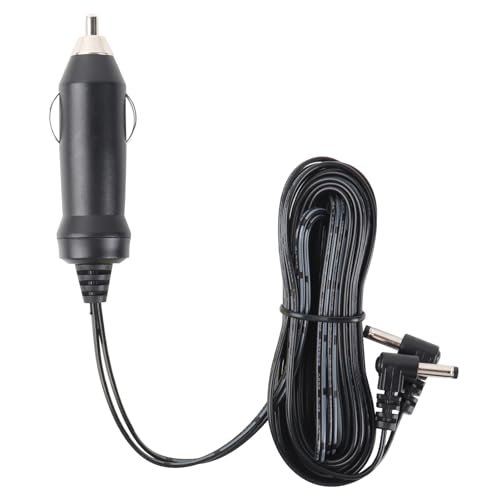
WONNIE 12V 4A Car Charger for W-1106D Dual DVD Players
Description
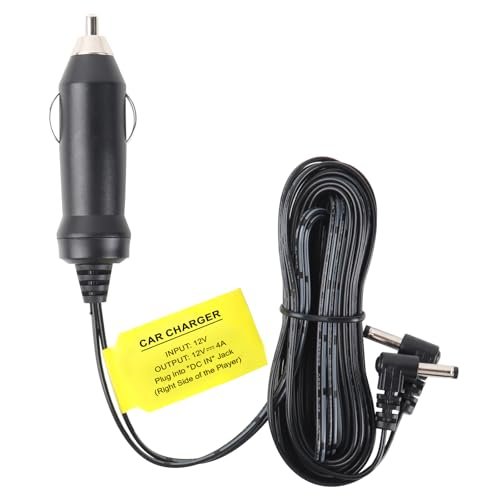
This WONNIE car charger is listed specifically for the W-1106D dual-screen DVD player system. It provides a vehicle power accessory option for that model and carries a stated 12V 4A rating. The supplied part number is W-CHARGER-4A.
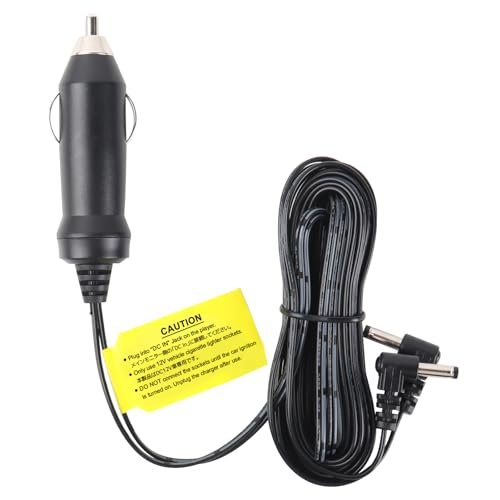
The listing notes that WONNIE offers different car chargers and asks buyers to confirm the correct version before purchasing. Check the complete model designation on the player and compare the replacement with the original charger’s electrical and connector specifications. Compatibility with other WONNIE players is not stated.
The package quantity is one charger. Cable length, connector dimensions, polarity, and the number of device connections are not specified. Although the charger is listed for a dual-screen system, the source does not describe its cable arrangement or explicitly confirm two charging connectors.
Features
- Listed specifically for the WONNIE W-1106D dual-screen DVD player system
- Carries a stated 12V 4A electrical rating for model-specific replacement selection
- Provides a car charger option for use with the compatible player system
- Identified by part number W-CHARGER-4A to help distinguish charger variants
Specifications
- Brand
- WONNIE
- Part Number
- W-CHARGER-4A
- Product Type
- Car Charger
- Listed Voltage
- 12V
- Listed Current
- 4A
- Listed Compatible Model
- W-1106D
- Quantity
- 1
WONNIE 6.6-ft 3.5mm Male-to-Male AV Cable for DVD Players
Description
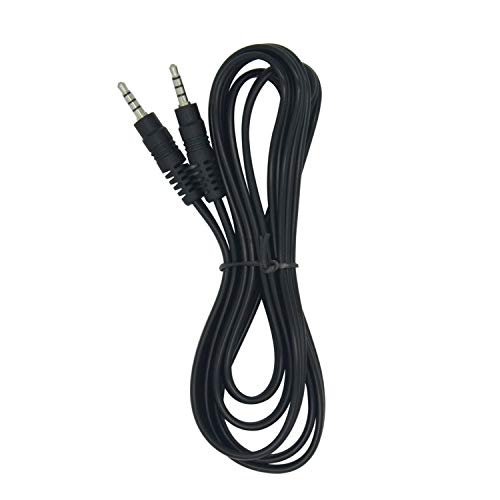
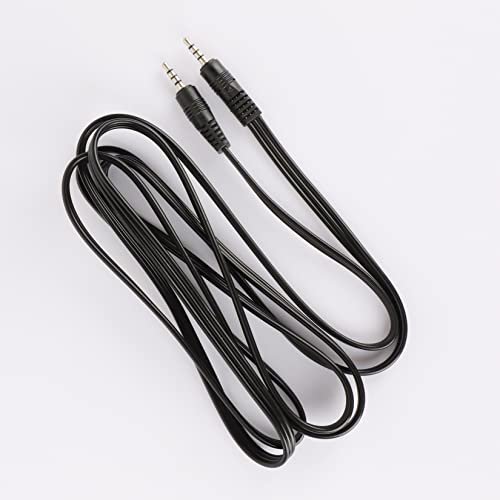
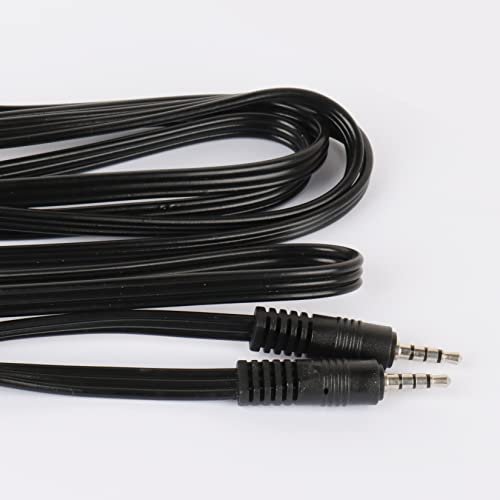
This WONNIE AV cable carries audio and video signals between compatible devices. It is described as an accessory for WONNIE DVD players and uses a 3.5mm male connector at each end.
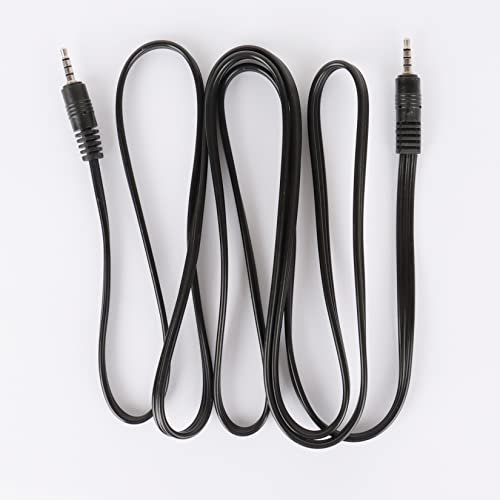
The 6.6-ft length provides reach between connected devices, allowing some flexibility in their placement. Both ends plug into matching AV connections. The cable’s listed color is black, and the package contains one cable.
The source does not identify compatible DVD player models or provide connector wiring details. Compatibility should therefore be confirmed for the specific players and ports being connected. A matching 3.5mm connector size alone does not establish that the cable will carry audio and video correctly with every device.
Features
- Transmits audio and video signals between devices with compatible AV connections
- 3.5mm male connectors at both ends provide a male-to-male connection
- 6.6-ft cable length allows flexible positioning of connected devices
- Designed for compatible WONNIE DVD players, with model-specific fit requiring confirmation

Specifications
- Brand
- WONNIE
- Model
- 1
- Product Type
- AV Cable
- Color
- Black
- Cable Length
- 6.6 ft
- Connector Type
- 3.5mm male to 3.5mm male
- Signal Type
- Audio and video
- Listed Compatibility
- WONNIE DVD players
- Included Components
- 1 AV cable
WONNIE W-CDQ002 12V 2A AC Adapter for Select Players
Description
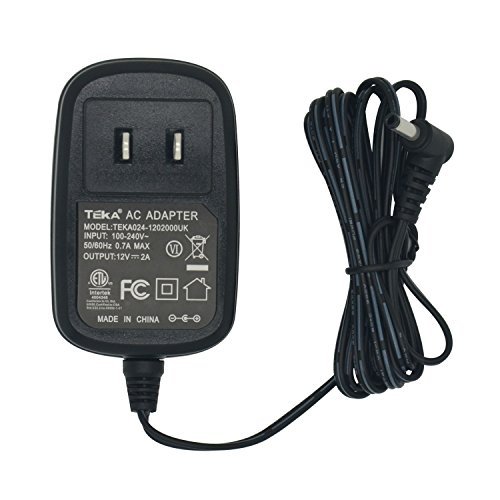
The WONNIE W-CDQ002 is a 12V 2A AC adapter listed for select WONNIE players. It provides a replacement power option for the models specifically named in the source: W-1468, W-1458, W-1106D, W-HD1106S, W-BR142, and W-BR156.
WONNIE offers several adapter variants, and this listing instructs buyers to verify that they have selected the correct one. Match the player’s complete model designation and power requirements before choosing a replacement. The compatibility list names W-1458 without specifying whether it includes variants with additional letter suffixes.
The adapter is black, and the listing specifies one item. Connector dimensions, output polarity, AC input voltage range, and cord length are not provided. The stated voltage and current alone do not establish compatibility with unlisted models or other devices.
Features
- Provides a listed 12V 2A power supply for compatible WONNIE players
- Offers a replacement AC adapter option for the specifically named models
- Model-specific compatibility list helps distinguish this adapter from other WONNIE power accessories
- Single-adapter listing supports replacement of an existing matching power accessory
Specifications
- Brand
- WONNIE
- Model
- W-CDQ002
- Product Type
- AC Adapter
- Color
- Black
- Output Voltage
- 12V
- Output Current
- 2A
- Listed Compatible Models
- W-1468, W-1458, W-1106D, W-HD1106S, W-BR142, W-BR156
- Quantity
- 1
How to Choose WONNIE Accessories & Replacement Parts
Find the exact model number on your device and match it to the accessory’s compatibility list. Similar-looking remotes, chargers, and cables may serve different models. For power accessories, confirm the required voltage, polarity, connector dimensions, and current rating against the manual; a plug that fits does not establish compatibility. Check AV cable wiring and whether a DC cable is intended to connect two units or supply power from another source. For mounting brackets, verify both player compatibility and headrest fit. Replacement screens and players also require careful checking: a monitor cannot perform the same functions as a unit with its own disc drive.
Installation, Use & Care
Switch off the device and disconnect its power before fitting replacement components, following the supplied instructions. Insert connectors gently without forcing them, and route cables away from moving seats, sharp edges, and passengers’ feet. Keep adapters and connections dry, leave ventilation openings uncovered, and stop using damaged cables or accessories that become unusually hot. Install remote-control batteries with the correct polarity and keep small parts away from young children. Check mounting brackets regularly for loose fittings or wear. Do not open the device or attempt internal repairs unless the manufacturer specifically provides a user-service procedure. If compatibility is unclear, contact the seller or the service department listed in the instruction manual included with your purchase.